Table of Contents
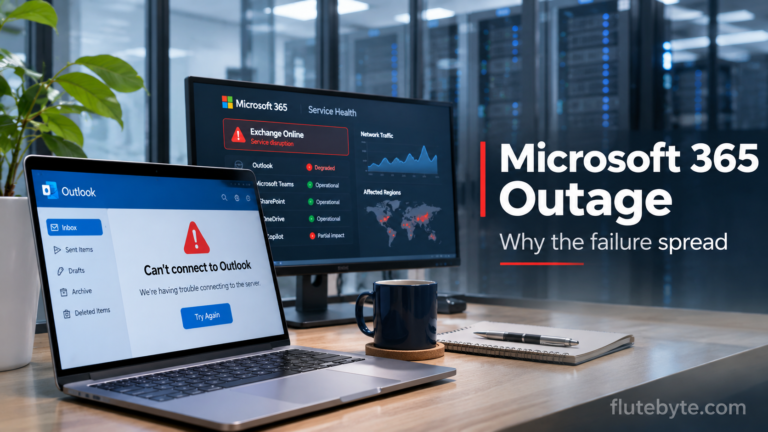
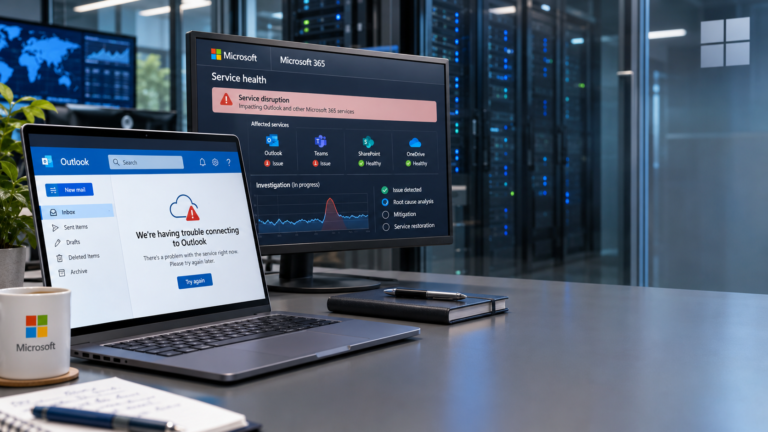
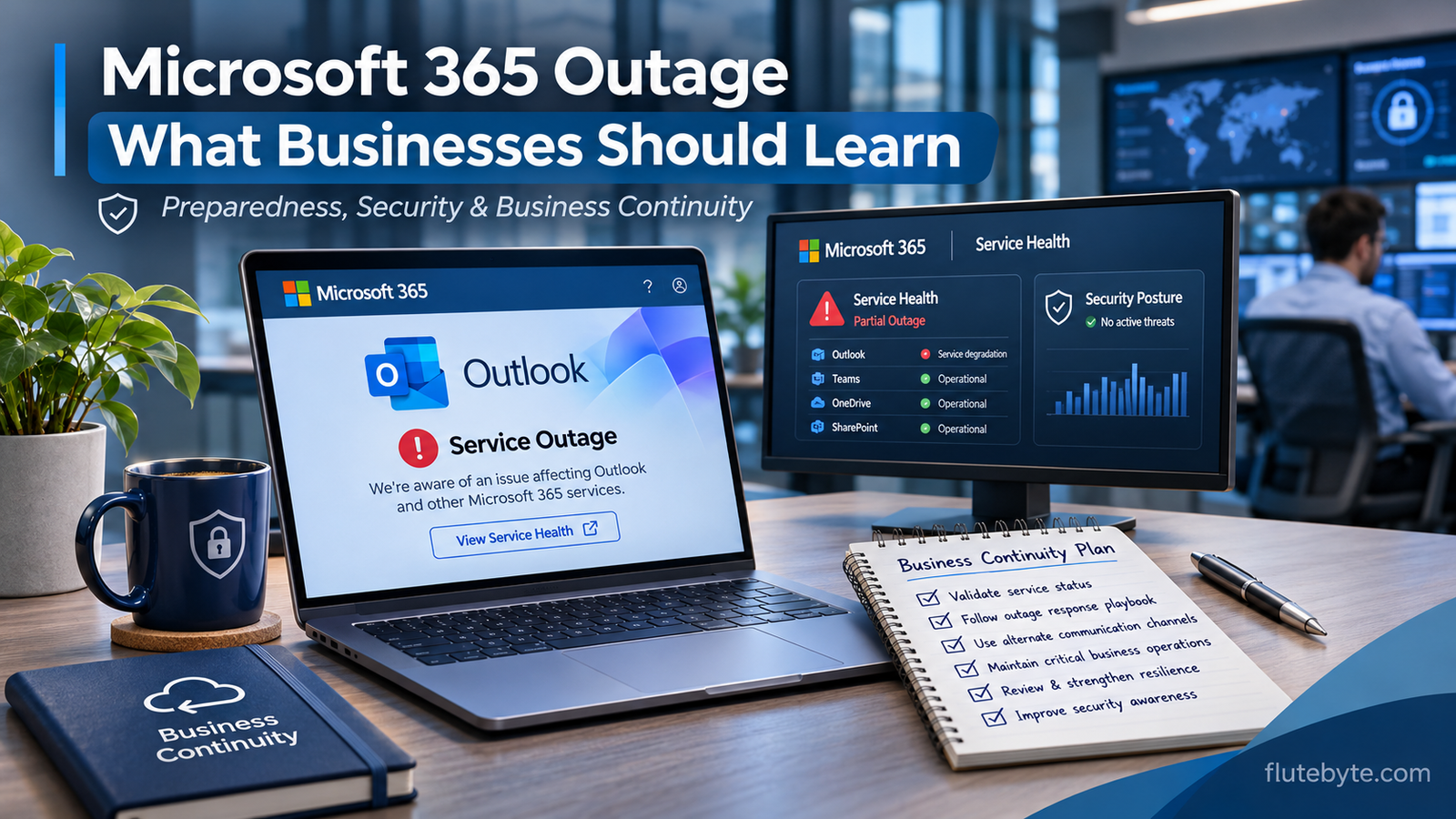
When Microsoft Outlook, Teams, and other Microsoft 365 services stopped working on 12 November 2026, millions of users were reminded how dependent everyday business operations have become on cloud technology.
For some, it meant missing emails. For others, it meant delayed client communication, interrupted meetings, and employees unable to access important services.
But the outage also raised a bigger question: What if a similar disruption happened because of a cyberattack? And how prepared would your business be?
Was the Microsoft Outage a Cyberattack?
As of 13 November, Microsoft has stated that it has found no evidence of malicious activity causing the outage.
Its investigation has identified problems involving unresponsive servers, overloaded connection-handling processes, and infrastructure configuration. Engineers have been working to restore services and stabilise affected systems.
The complete root cause has not yet been confirmed.
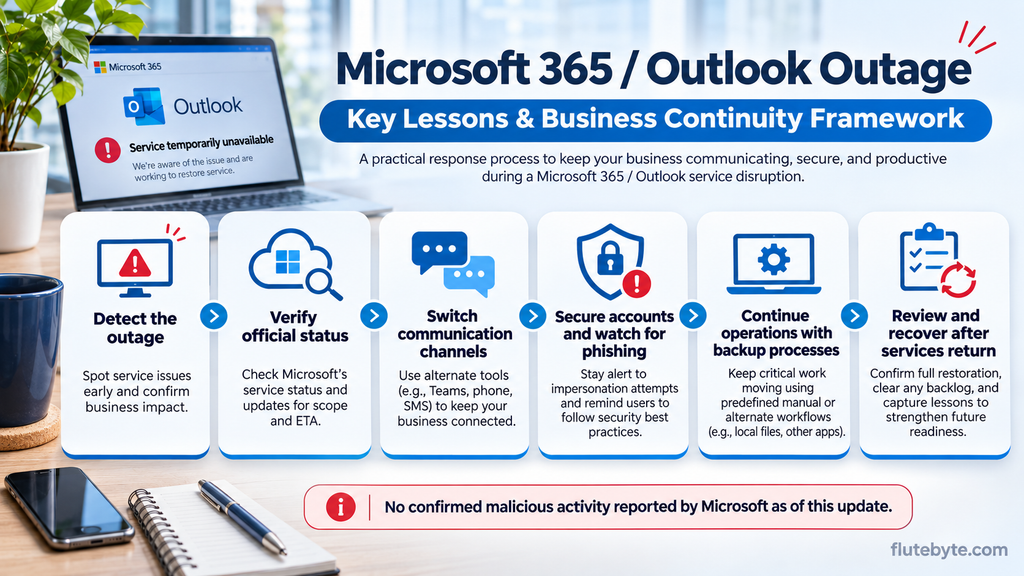
Although a cyberattack has not been identified, this incident is a reminder that businesses need to prepare for both technical failures and security threats.
A service outage does not automatically mean hackers have accessed customer data or compromised accounts.
However, outages can also create opportunities for criminals to send convincing phishing messages or fake service restoration instructions.
1. Don’t Depend on a Single Platform for Everything
Many companies rely on Microsoft 365 for email, meetings, calendars, document sharing, and daily communication.
When several connected services become unavailable, employees can struggle to carry out even basic tasks.
What you should do:
Maintain at least one alternative communication channel that doesn’t depend on the same service provider.
For example, keep approved phone contacts or a separate messaging platform available for urgent communication.
You don’t necessarily need to replace Microsoft 365. You need a plan for situations when it becomes temporarily unavailable.
2. Take Cybersecurity Seriously, Even During a Technical Outage
One of the biggest risks during a widely reported outage is misinformation.
Cybercriminals may exploit confusion by sending fake emails claiming that users need to reset passwords, verify accounts, or download an emergency fix.
What you should do:
- Enable multi-factor authentication (MFA) on business accounts.
- Never download unofficial Outlook or Microsoft 365 repair tools.
- Avoid clicking suspicious account verification links.
- Check official Microsoft announcements before changing security settings.
- Review account sign-in activity if you notice unfamiliar access.
Remember, a service disruption alone is not evidence that your account has been hacked.
3. Backups Should Be Part of Your Business Plan
Consider a business that manages customer orders, invoices, and supplier communication through connected cloud applications.
If those systems become inaccessible, how will employees access the information they need?
Regular backups reduce the risk of permanent data loss, but they must also be accessible and recoverable when required.
What you should do:
Keep secure backups of critical business information, including customer records, financial documents, and operational data.
Where appropriate, maintain protected copies outside the primary cloud environment.
More importantly, test whether your backups can actually be restored.
Backups cannot immediately resolve a provider-wide outage, but they can protect your business when data recovery becomes necessary.
4. Know What Happens When Your Business Software Goes Offline
The same concerns apply beyond Outlook.
Imagine a manufacturing company whose ERP system handles inventory, production, procurement, and billing.
If the system suddenly becomes unavailable, employees may struggle to process orders or update stock records.
This is why reliability needs to be considered during software development, not after a failure occurs.
What you should do:
Ask your software provider about server monitoring, backups, recovery procedures, deployment testing, and system dependencies.
For critical operations, establish an approved temporary offline or manual process.
Once the software is restored, reconcile any transactions recorded during the interruption to avoid missing or duplicate entries.
5. Create a Simple IT Incident Response Plan
You don’t need a large IT department to prepare for technology disruptions.
Even a small business should know what to do when an essential service stops working.
Start with five questions:
- Who should employees contact when a critical system fails?
- How will customers and suppliers receive important updates?
- Where can employees access emergency contact information?
- Who will verify that systems and data are functioning correctly after recovery?
- What steps should employees follow if they suspect a cyberattack instead of an ordinary outage?
Document the answers and share them with the relevant team members.
A short, tested response plan is far more useful than trying to make decisions during an emergency.
6. Choose Software That Can Be Maintained and Recovered
Whether your company uses ERP, CRM, HRMS, or a custom business application, reliability should be part of the development discussion.
Before investing in new software, ask about:
- Automated backups and restoration testing.
- Server and application monitoring.
- Secure user access and permissions.
- Software update testing and rollback procedures.
- Recovery arrangements during hosting or network failures.
No software provider can guarantee zero downtime. However, proper planning can reduce the likelihood and impact of avoidable interruptions.
Final Thoughts
The Microsoft 365 outage of November 2026 is an important reminder for businesses of every size.
Even major technology platforms can experience unexpected disruptions. And while this particular incident has not been linked to a cyberattack, organisations should remain prepared for cybersecurity threats as well as ordinary infrastructure failures.
The most useful lesson is simple: know which systems your business depends on, protect your important data, and prepare an alternative way to continue essential work.
At Flutebyte Technologies, we develop custom ERP systems, CRM solutions, and business applications based on individual operational requirements.
When planning business software, we encourage organisations to consider security, reliability, and recovery alongside features and functionality.
Want to discuss your business software requirements? Visit www.flutebyte.com.
Note: This article reflects Microsoft’s public findings available on 13 November 2026. The final technical investigation remains ongoing.