
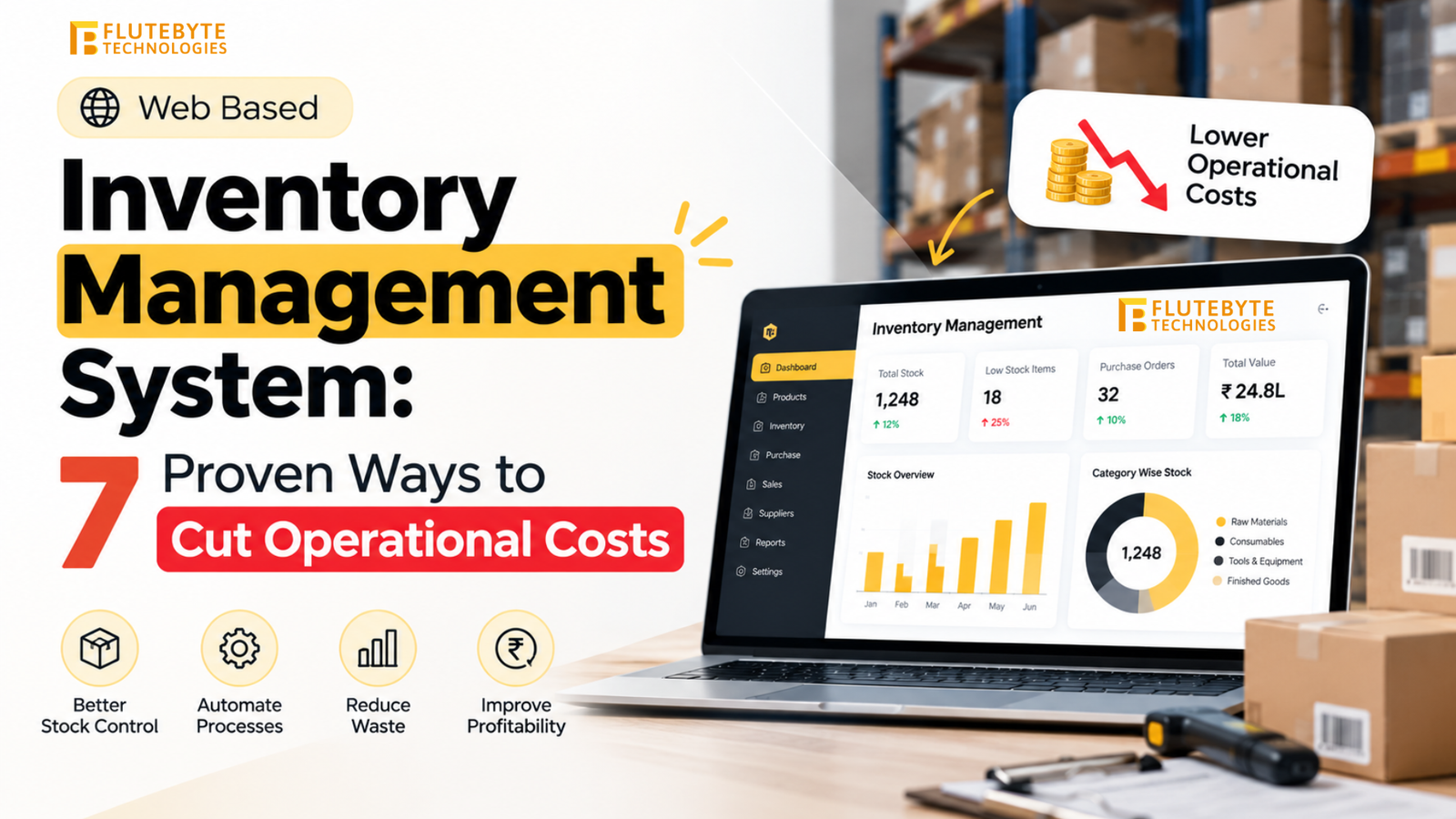
A web based inventory management system moves your operations to the cloud. It gives your entire team access to real-time data from any device with an internet connection. You can track stock, manage suppliers, process orders, and view profitability reports whether you are on the warehouse floor, in the central office, or traveling for supplier negotiations.
Businesses operating on desktop-bound software or manual spreadsheets consistently lose 15% to 25% of their annual revenue to inventory mismanagement. Desktop software traps your data on local hard drives. If a computer crashes or a localized power failure occurs, your stock records become inaccessible. Data syncing on legacy systems often happens in delayed batches, creating a critical lag in inventory accuracy. This lag causes sales teams to sell products you no longer have in stock, frustrating customers and damaging your reputation.
Table of Contents
What Is a Web Based Inventory Management System?
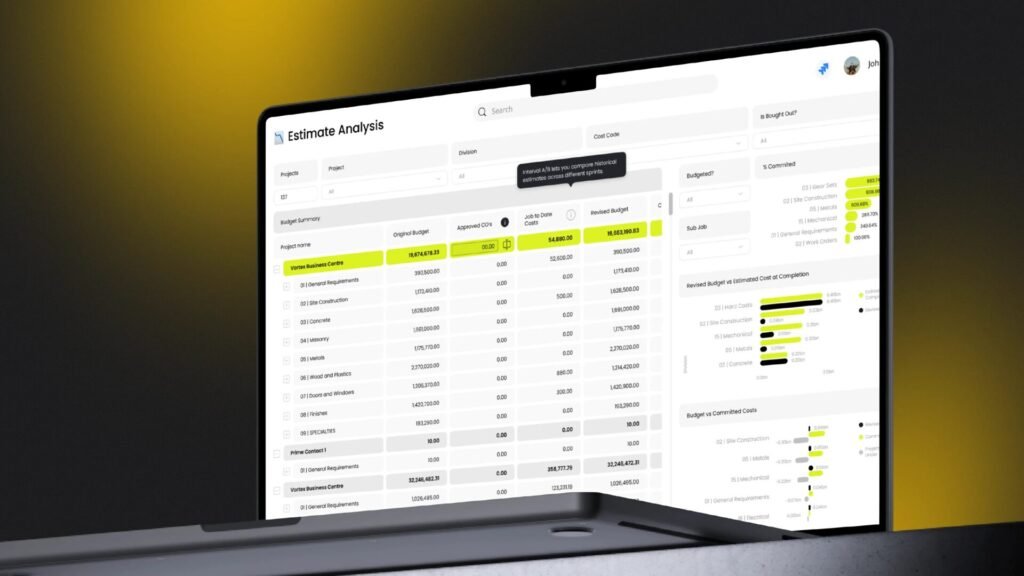
A web based inventory management system is a software application hosted on secure cloud servers rather than on your local office computers. Users access the platform through standard web browsers like Google Chrome, Safari, or Microsoft Edge.
The system processes every transaction in real time. When a warehouse worker in Mumbai scans a barcode for an outgoing shipment, your sales manager in Delhi sees the updated stock count instantly. You do not need to install software via CDs or download large executable files. You do not need to purchase expensive on-premise servers. The cloud infrastructure handles the processing power, data storage, and automated backups.
The High Cost of Legacy Desktop Systems
Before you evaluate new software, you must understand the financial drain of legacy systems. Desktop software restricts access and slows down decision-making.
If a manager needs to check stock levels while visiting a major client, they must call the office and wait for an administrator to look up the numbers. This delay kills momentum in sales conversations. On-premise systems require expensive server hardware that depreciates rapidly. You must hire IT staff to maintain these physical servers, run manual data backups, and install software updates on every single computer in your office.
Data silos form quickly with desktop systems. The accounting department uses one software, the warehouse uses another, and the sales team uses spreadsheets. Because these systems do not communicate over the web, your staff wastes hundreds of hours manually copying data from one program to another. Manual data entry introduces human error. A single misplaced decimal point in a stock count can trigger unnecessary purchase orders worth lakhs of rupees.
Core Features of Web Based Inventory Software
An effective web based inventory management system integrates multiple operational modules. These modules work together to give you total control over your supply chain.
Real-Time Stock Tracking
The system monitors inventory levels continuously across all your locations. Every receipt, transfer, and sale registers immediately in the central database. You maintain complete transaction audit trails showing exactly who adjusted a stock level, when they did it, and the reason for the adjustment.
Multi-Location Management
You can track stock across warehouses, retail storefronts, and transit vehicles from a single dashboard. The system manages inter-location transfers securely. If your Pune store runs out of a specific product, the system instantly identifies that the Mumbai warehouse has excess stock and auto-generates a transfer request.
Automated Purchase Orders
You can set minimum stock thresholds for every item in your catalog. When stock reaches these predetermined reorder points, the system triggers purchase orders automatically. It pulls the current pricing from your supplier database and formats the order for your management team to approve with a single click.
Barcode and RFID Scanning
Web based systems connect seamlessly with wireless barcode scanners and mobile devices. Warehouse staff can use their smartphones to scan items during receiving, picking, and packing. Scanning confirms the correct item matches the correct order, preventing costly shipping mistakes and customer returns.
Role-Based Access Control
You dictate exactly what data each employee can see and edit. You can restrict sensitive financial data and supplier pricing to senior management. You can give warehouse staff access only to the receiving and picking screens. This protects your business data while giving employees the exact tools they need to perform their jobs.
API Integrations
A web based system connects directly to your other cloud applications. It integrates with your eCommerce platforms like Shopify or WooCommerce to pull online orders automatically. It connects to your accounting software like Tally or QuickBooks to update ledgers the moment an invoice generates.
Financial Impact and Working Capital Optimization
Investing in a web based inventory management system delivers a rapid financial return by eliminating waste and optimizing your working capital.
| Operational Area | Problem with Legacy Systems | Web Based System Solution | Financial Impact |
| IT Infrastructure | High cost of physical servers and maintenance | Hosted on secure cloud servers | Saves ₹2 to ₹5 lakhs in hardware costs |
| Stockouts | Delayed data causes overselling | Real-time tracking prevents overselling | Captures previously lost sales revenue |
| Excess Stock | Blind purchasing based on guesswork | Data-driven automated reordering | Frees up tied working capital |
| Labor Costs | Manual data entry and physical stock counts | Automated syncing and barcode scanning | Reduces administrative hours by 40% |
| Data Loss | Vulnerable to local hardware failure | Automated daily cloud backups | Prevents costly business interruptions |
Consider a wholesale business with ₹20 crore in annual revenue holding ₹4 crore in inventory. If poor tracking causes them to overstock by 15%, they have ₹60 lakhs in trapped capital. A web based system reduces that excess stock, freeing up ₹60 lakhs that the business can use for marketing, new product development, or debt reduction.
Security and Cloud Infrastructure
Many business owners worry about data security when moving to the cloud. Modern web based inventory management systems provide significantly higher security than local office servers.
Cloud providers like AWS and Google Cloud maintain massive data centers with physical security protocols that no small or mid-sized business can match. Your web based system uses SSL encryption to protect data as it travels between your browser and the server. This is the same encryption standard used by major banks.
The system performs automated backups multiple times a day across redundant servers in different geographic locations. If a fire or flood destroys your physical office, your business data remains completely safe. Your team can purchase new laptops, log in from a temporary location, and resume operations immediately.
Custom Development vs. Off-the-Shelf SaaS
When you decide to implement a web based system, you must choose between a generic off-the-shelf product and a custom-built solution.
Generic SaaS tools force you to adapt your established business processes to fit their rigid, predefined templates. They charge expensive monthly fees for every user you add to the system. As your team grows, your software costs multiply rapidly. Generic tools often lack the specific unit measurements, complex approval hierarchies, or specialized reporting your specific industry demands.
Custom development gives you complete ownership. You define the exact workflows. If your manufacturing process requires tracking raw materials by weight, converting them into finished goods by unit, and calculating the exact percentage of material waste, a custom system handles that calculation flawlessly. You do not pay recurring per-user monthly licenses. You own the platform.
Implementation Approach at Flutebyte Technologies Pvt. Ltd.
At Flutebyte Technologies Pvt. Ltd., we engineer custom web based inventory management systems tailored to your exact operational requirements. We build robust, scalable platforms that grow alongside your business. Our implementation process guarantees a smooth transition from your old methods to your new digital infrastructure.
Process Analysis
We do not start coding immediately. We analyze how your warehouse staff physically moves items. We review how your purchasing team negotiates with suppliers. We document your exact approval hierarchies and identify the bottlenecks slowing down your current operations.
System Architecture
We design the database structure to handle your specific product variants, multiple locations, and complex pricing tiers. We map exactly how the inventory system will connect to your existing accounting software and sales channels to prevent post-implementation errors.
Development and Security
We build the application using modern, secure web frameworks. We implement role-based access controls and ensure the user interface remains fast and responsive, even when handling thousands of concurrent stock updates.
Data Migration
We format, clean, and map your historical spreadsheet data before importing it into the new cloud database. We run parallel tests to ensure your starting stock counts and supplier records transfer with 100% accuracy.
Training and Phased Rollout
We train your staff on the specific modules they will use daily. We deploy the software to a single location or department first. This controlled launch allows your team to build confidence with the new system before we roll it out to your entire enterprise.
Moving from manual spreadsheets or localized desktop software to a web based platform removes the friction holding your business back. You gain the ability to make accurate purchasing decisions based on real-time data, optimize your warehouse labor, and protect your profit margins. Flutebyte Technologies Pvt. Ltd. provides the technical execution necessary to modernize your supply chain and secure complete control over your inventory operations.
Frequently Asked Questions (FAQs)
1. What is a web based inventory management system?
It is a software application hosted on cloud servers that allows you to track stock levels, manage orders, and control warehouse operations in real time through a standard internet browser.
2. Can I access the system on my mobile phone?
Yes. Web based systems feature responsive designs that adapt to any screen size. You can check stock levels, approve purchase orders, and view sales reports from your smartphone or tablet anywhere in the world.
3. Is my business data safe in the cloud?
Yes. Web based systems use bank-grade SSL encryption and automated daily backups stored on secure, redundant servers. This provides significantly better protection against data loss than keeping servers in your physical office.
4. How does the system handle internet outages?
If your office internet goes down, you can temporarily connect your computers to a mobile hotspot to continue operations. Because the data lives in the cloud, an outage at your physical location does not corrupt or lose any of your saved records.
5. Will a custom web based system integrate with Tally or QuickBooks?
Yes. We build custom web based systems with secure REST APIs. This allows your inventory platform to push financial data, invoices, and expense records directly to your existing accounting software automatically.
6. Do I have to pay a monthly fee for every user?
When you hire Flutebyte Technologies Pvt. Ltd. to build a custom system, you own the software. You do not pay recurring per-user licensing fees. You can add unlimited warehouse staff, managers, and sales representatives to the system without increasing your software costs.
7. How long does it take to build and launch a custom system?
A standard custom web based system typically takes 12 to 16 weeks to build, test, and deploy. The timeline adjusts based on your specific requirements, the number of software integrations needed, and the complexity of your data migration.